 95898b208c
- Add comprehensive screenshot gallery in README.md and docs/GALLERY.md
  showcasing all desktop features, menus, and control panels
- Clean and sanitize screenshots (no private work projects or processes)
- Add 4 curated themes with accurate color palettes and btop themes:
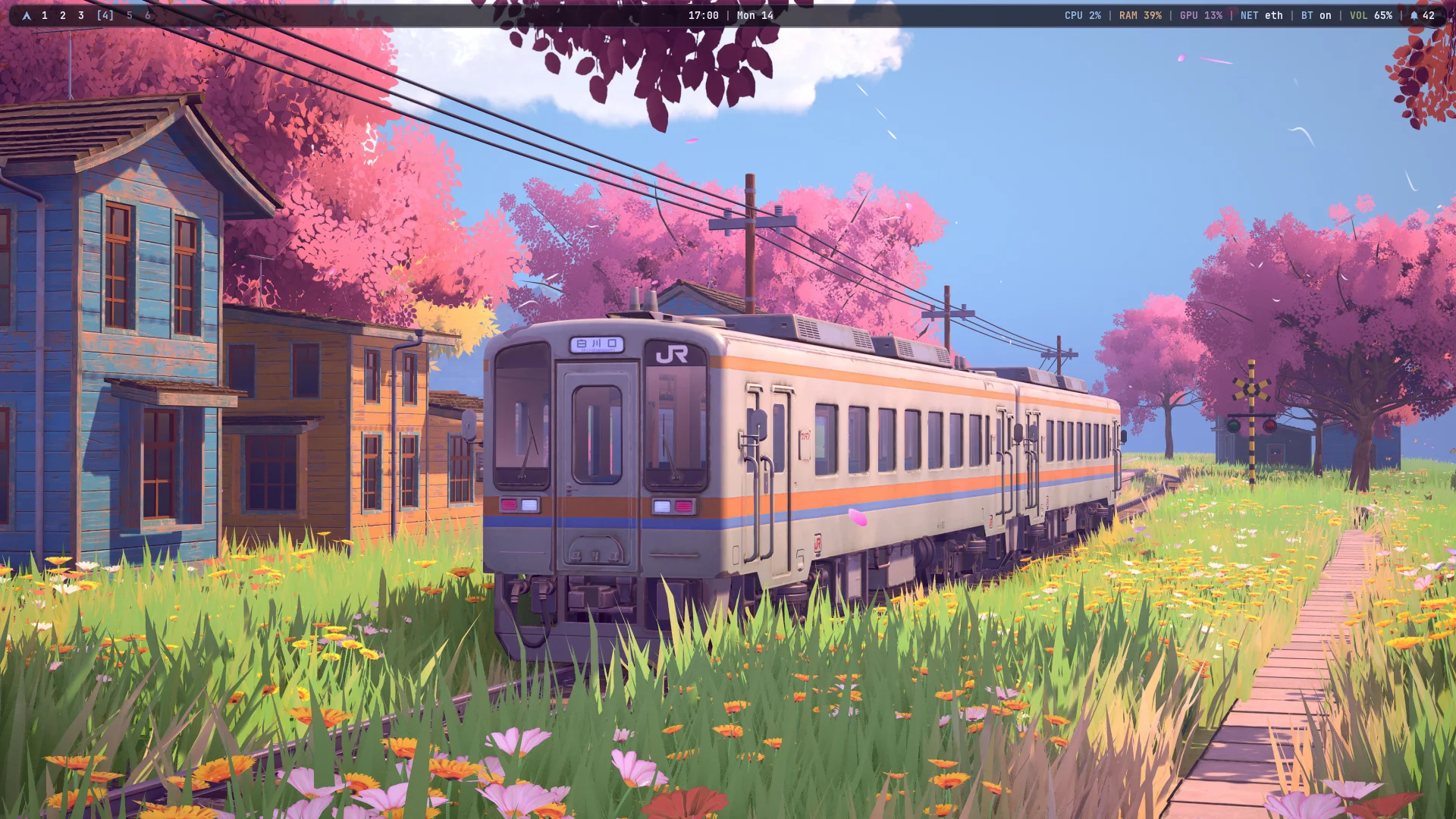
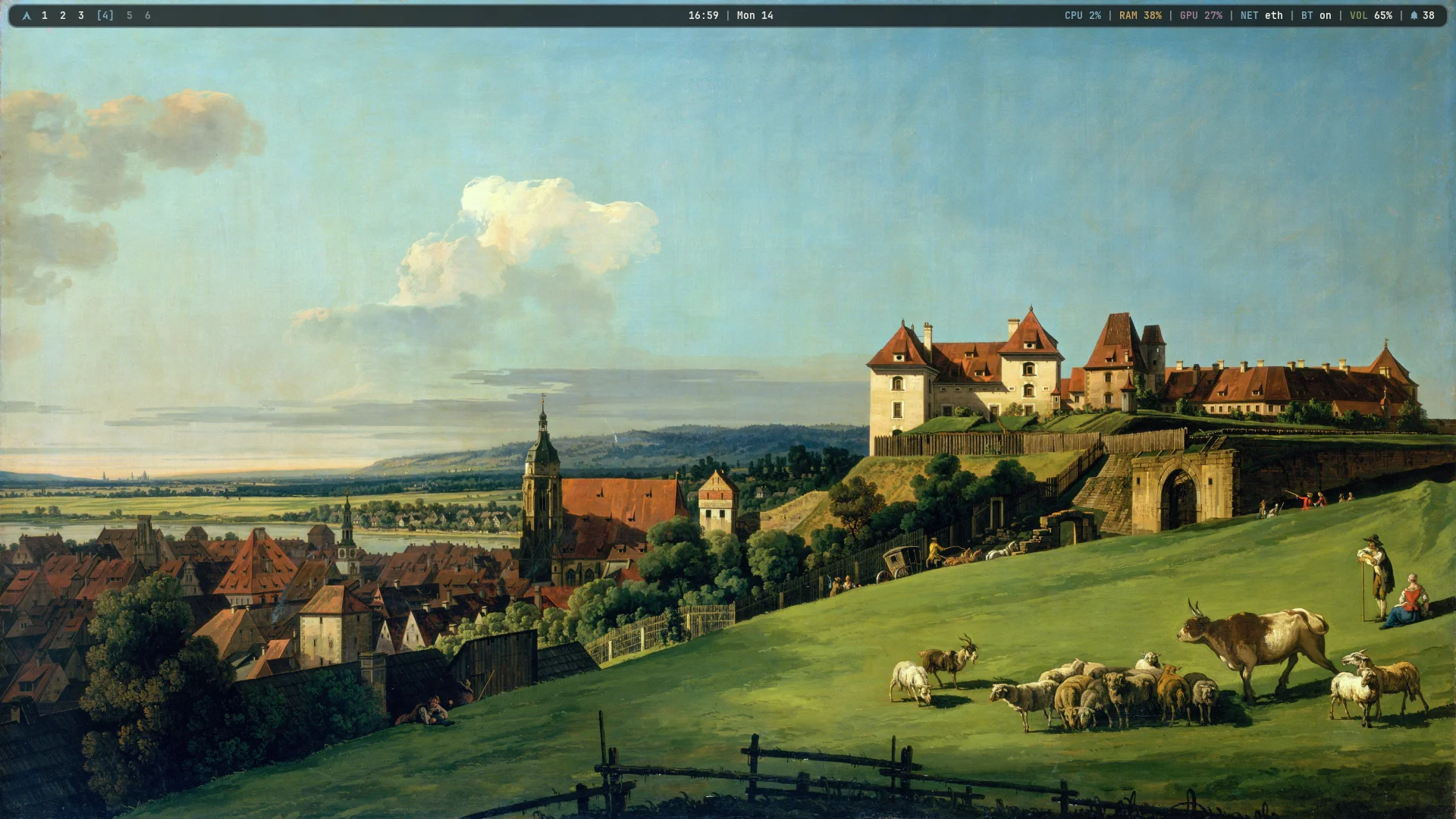
  * Pirna (Bernardo Bellotto classic art)
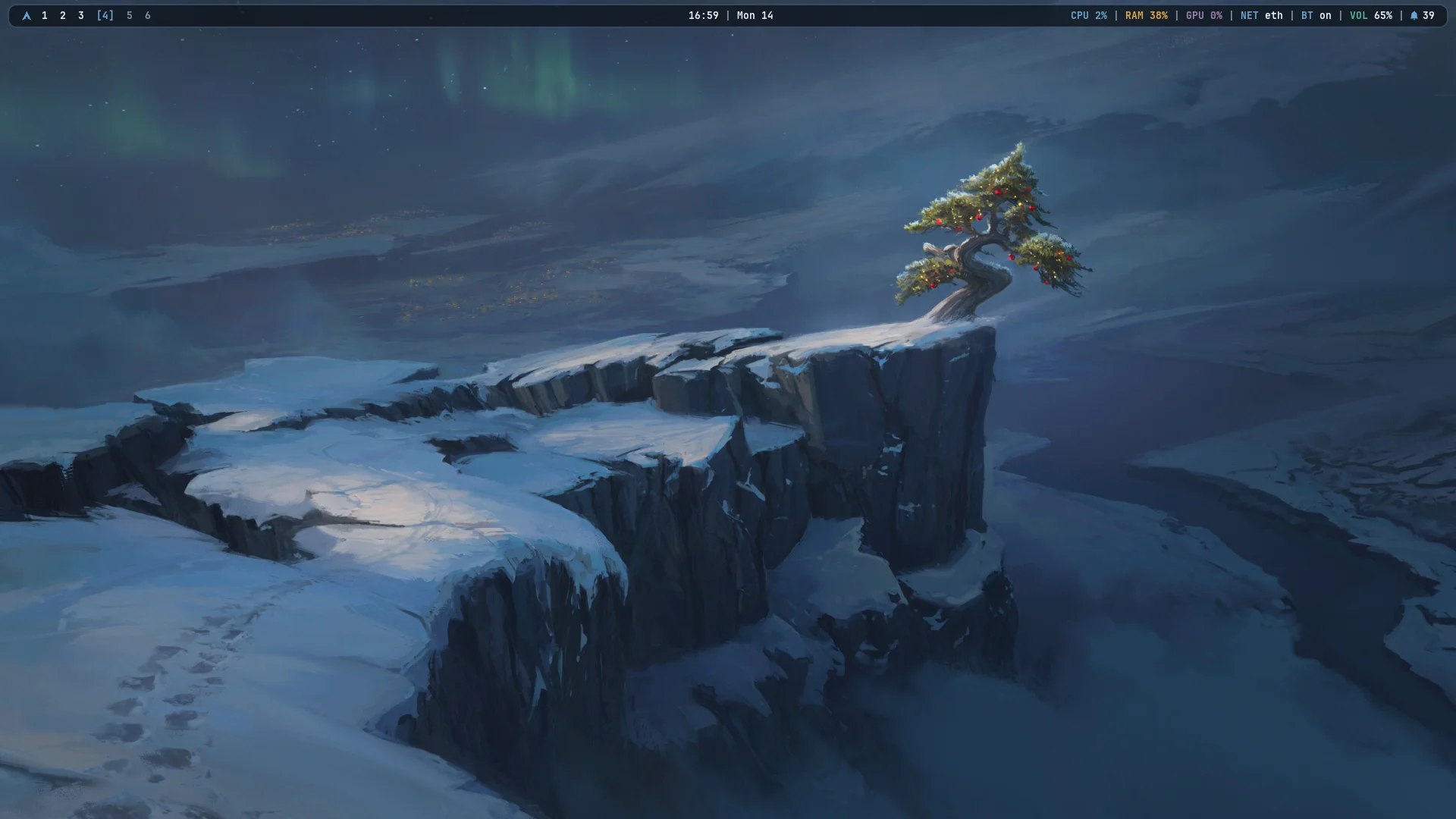
  * Nordic Frost (Arctic aurora and mountain cliff)
  * Monolith (Sci-fi alien coast and bioluminescent cyan)
  * Dragon Fire (Dark fantasy gothic siege and fiery coral embers)
- Enhance theme selector in rice-theme and rice-menu with live grid thumbnails
- Add super + shift + t shortcut for instant visual theme switching
- Make wallpaper lookup robust across repo and user directories
9.3 KiB
Sakura Line
A bspwm rice for Arch Linux where everything - bar, menus, popups, notifications, lock screen, terminal and prompt - is drawn from one palette and one set of shapes, so it feels like one system instead of a pile of tools.
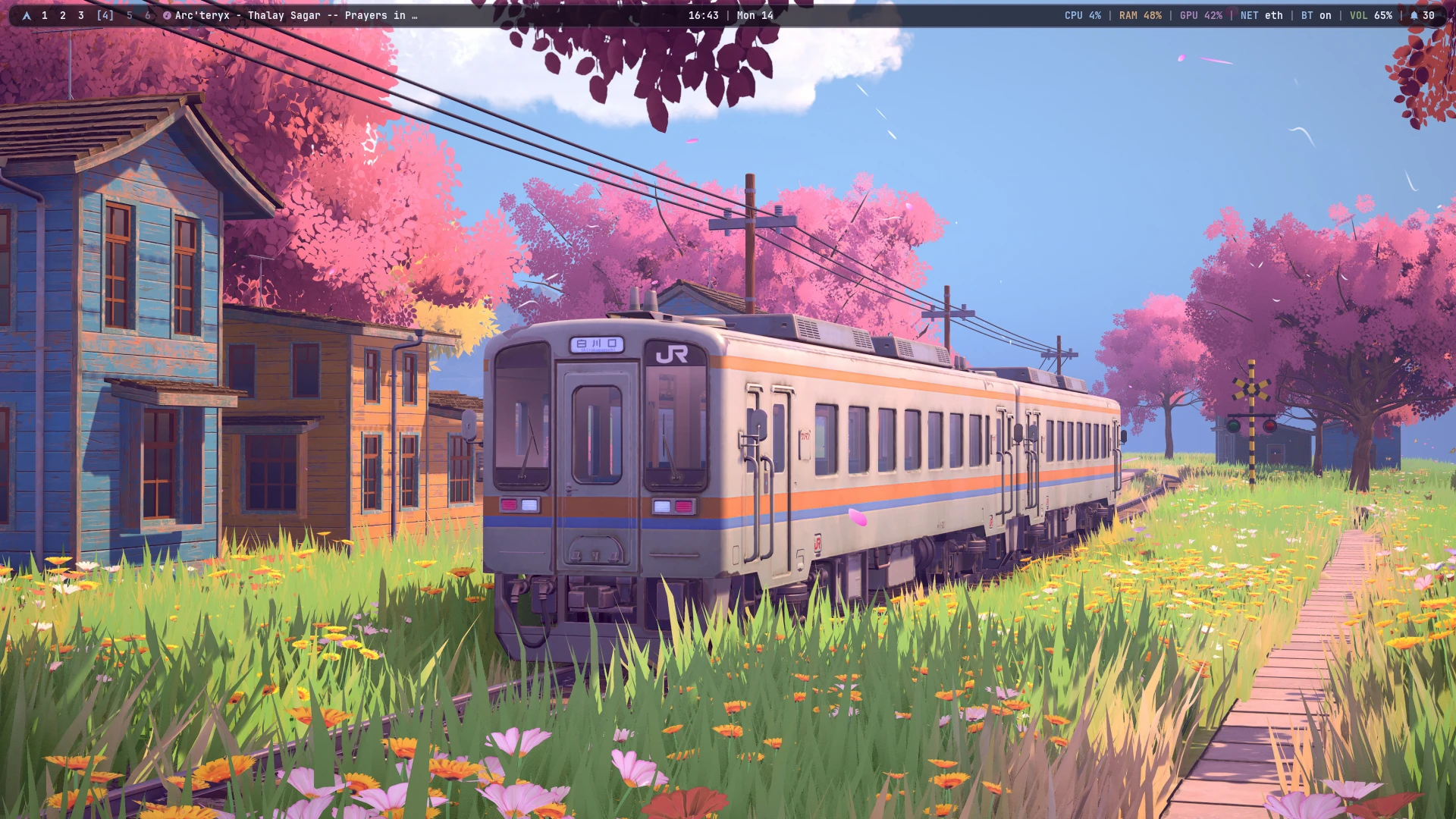
Screenshot Gallery
A unified design language across window borders, bar, popups, and menus. See the Full Gallery & Feature Walkthrough for detailed full-screen previews.
Built-in Themes
Switch themes on the fly with super + shift + t (or rice-theme select). The entire system adapts immediately: wallpaper, Polybar, Dunst notifications, Eww panels, Rofi menus, terminals, and btop.
| Sakura Line | Pirna (Classic Art) |
|---|---|
 |
 |
| Nordic Frost | Monolith |
 |
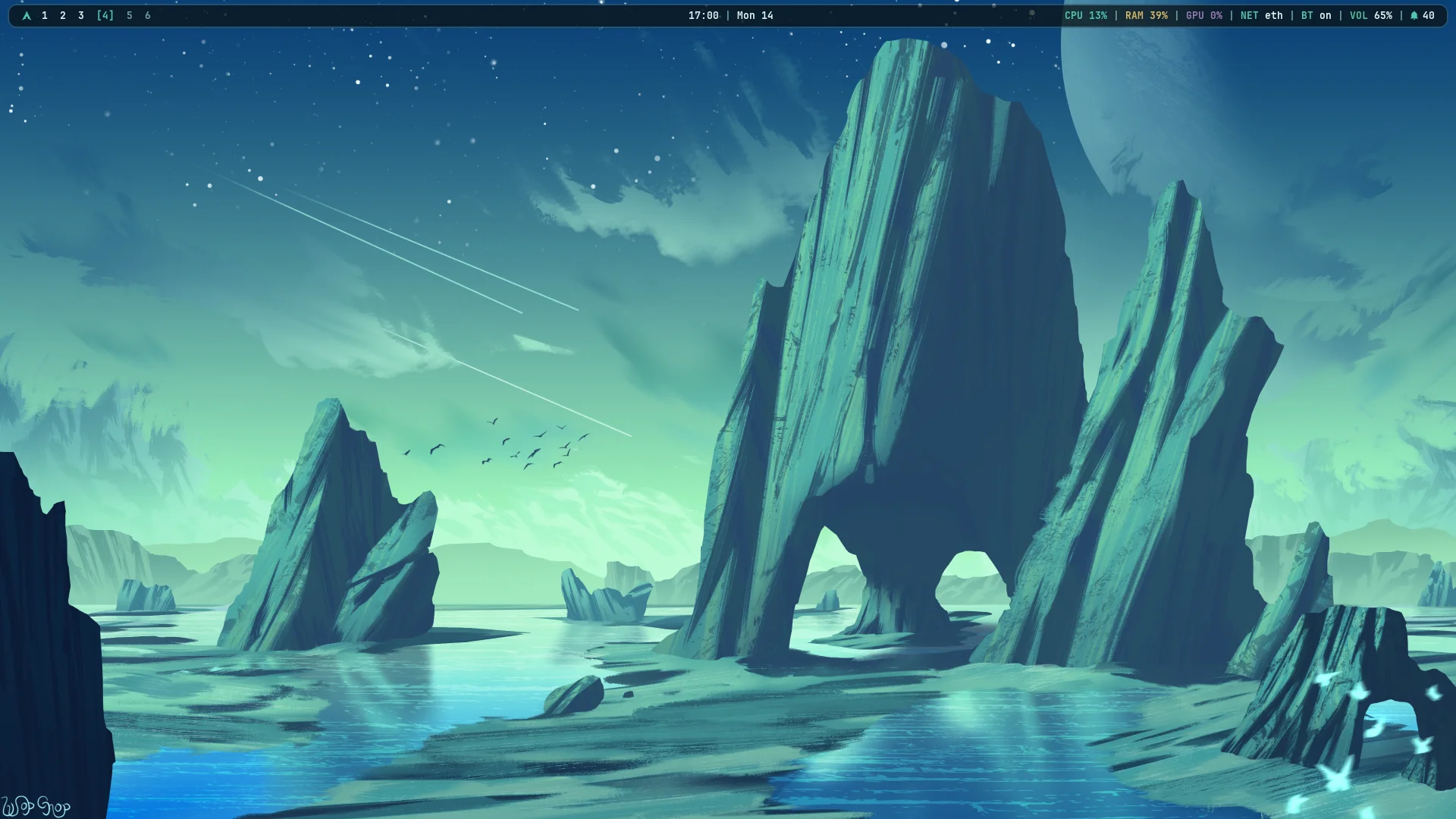 |
| Dragon Fire | Visual Theme Selector |
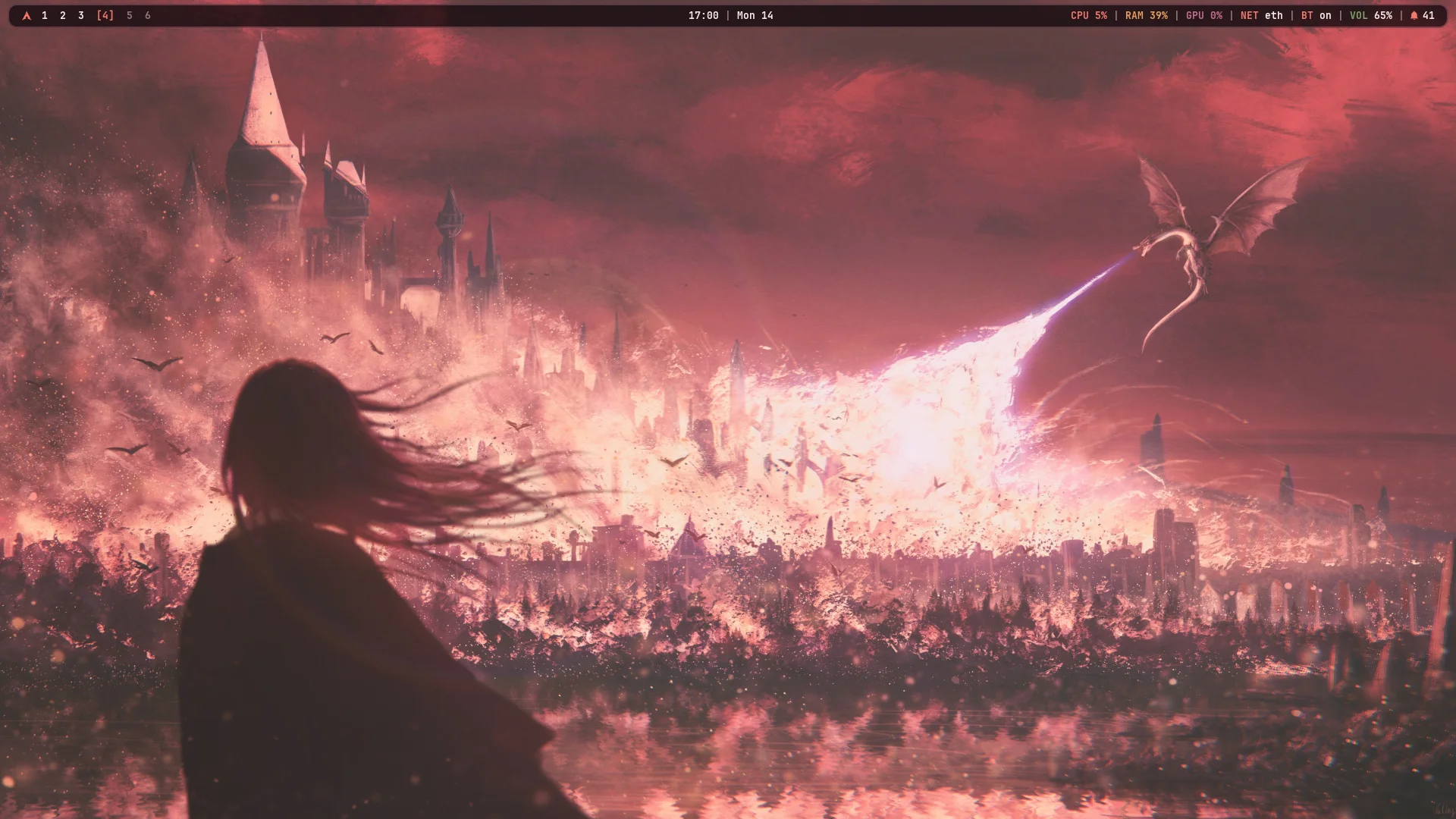 |
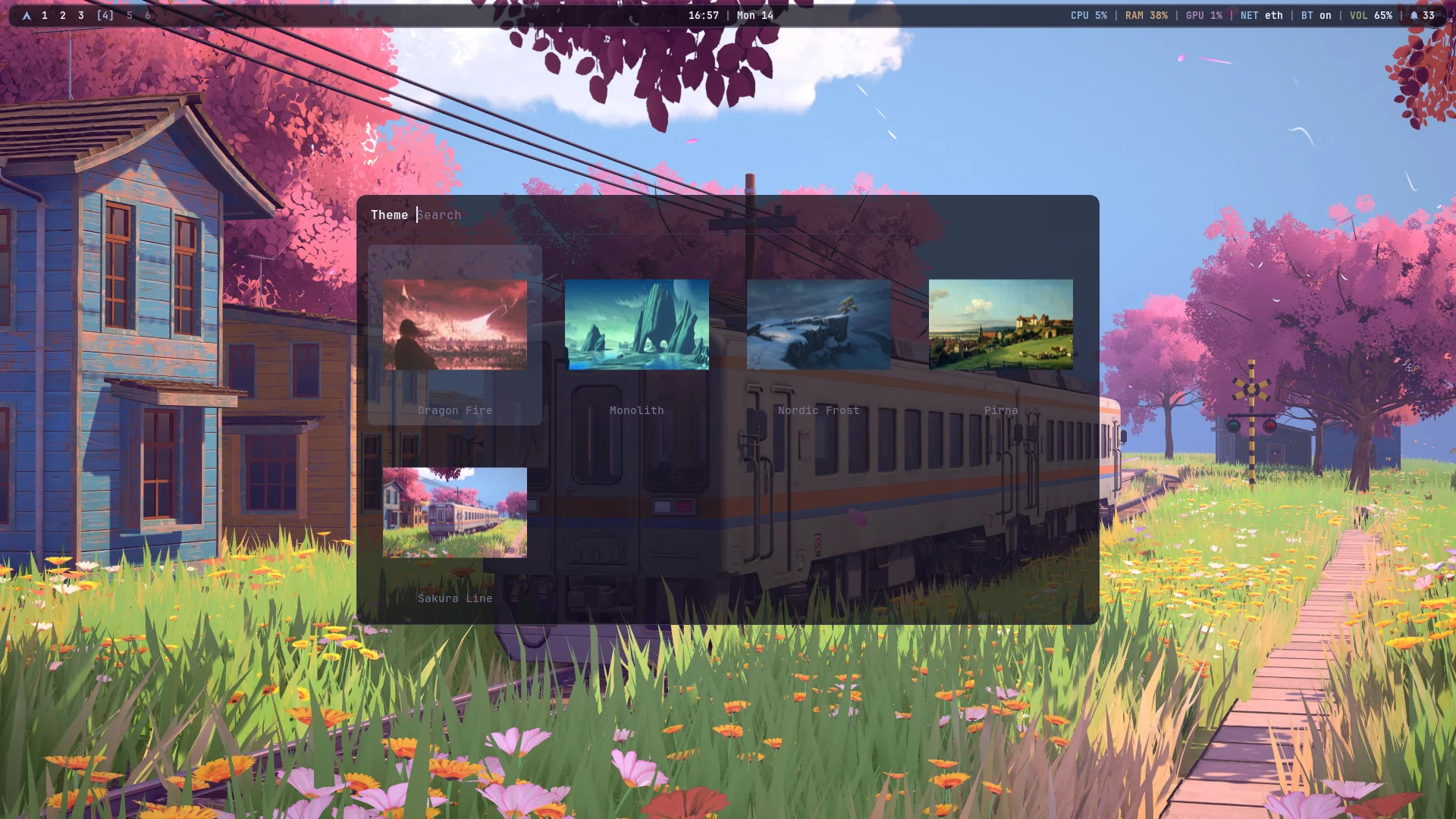 |
Workspaces & Window Management
| Clean Desktop | Tiling Layout |
|---|---|
|
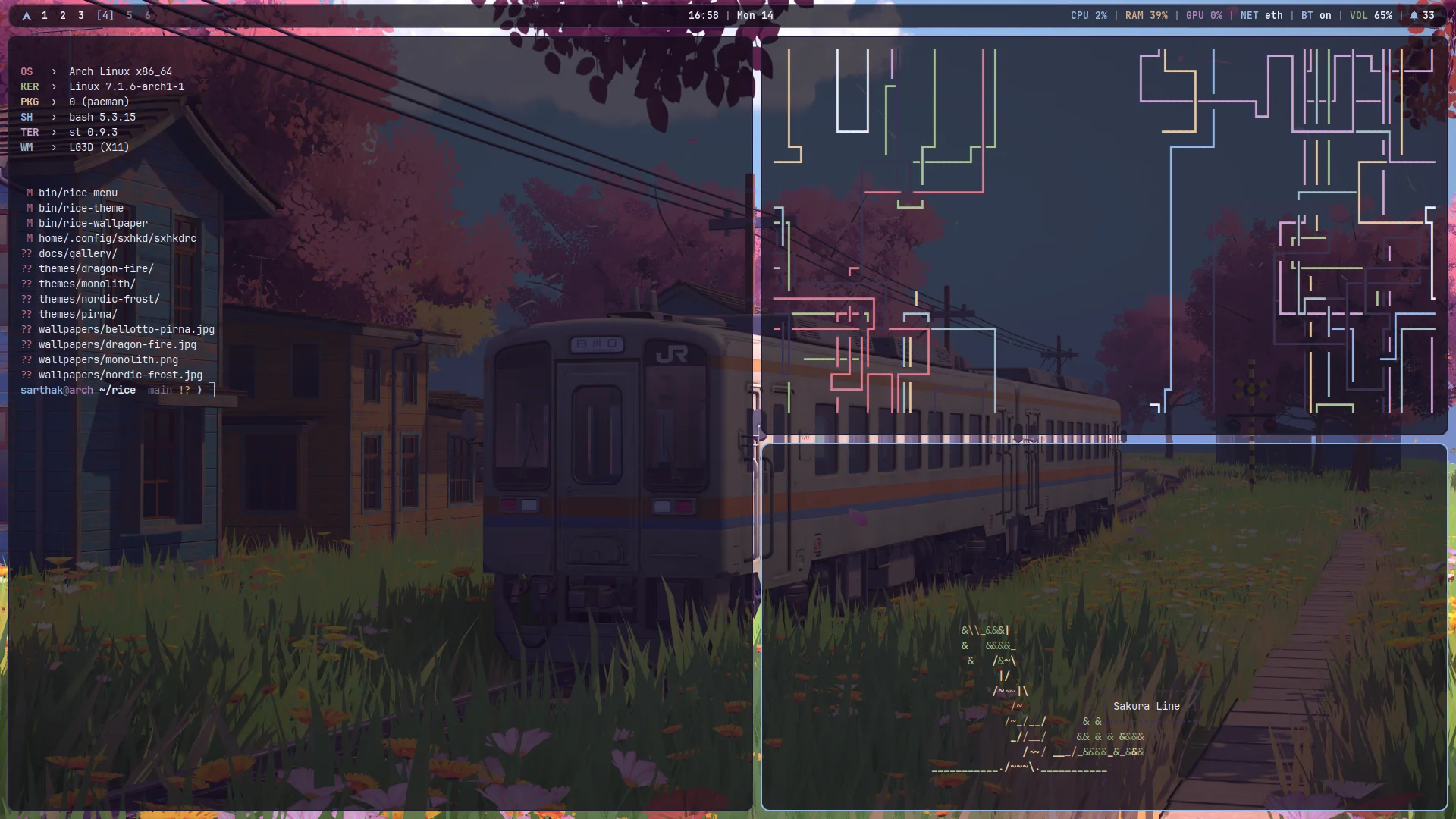 |
| Floating rounded Polybar with workspace dots and system telemetry | bspwm automatic balanced tiling with dynamic window gaps |
| Centered Terminal | Drop-Down Scratchpad |
|---|---|
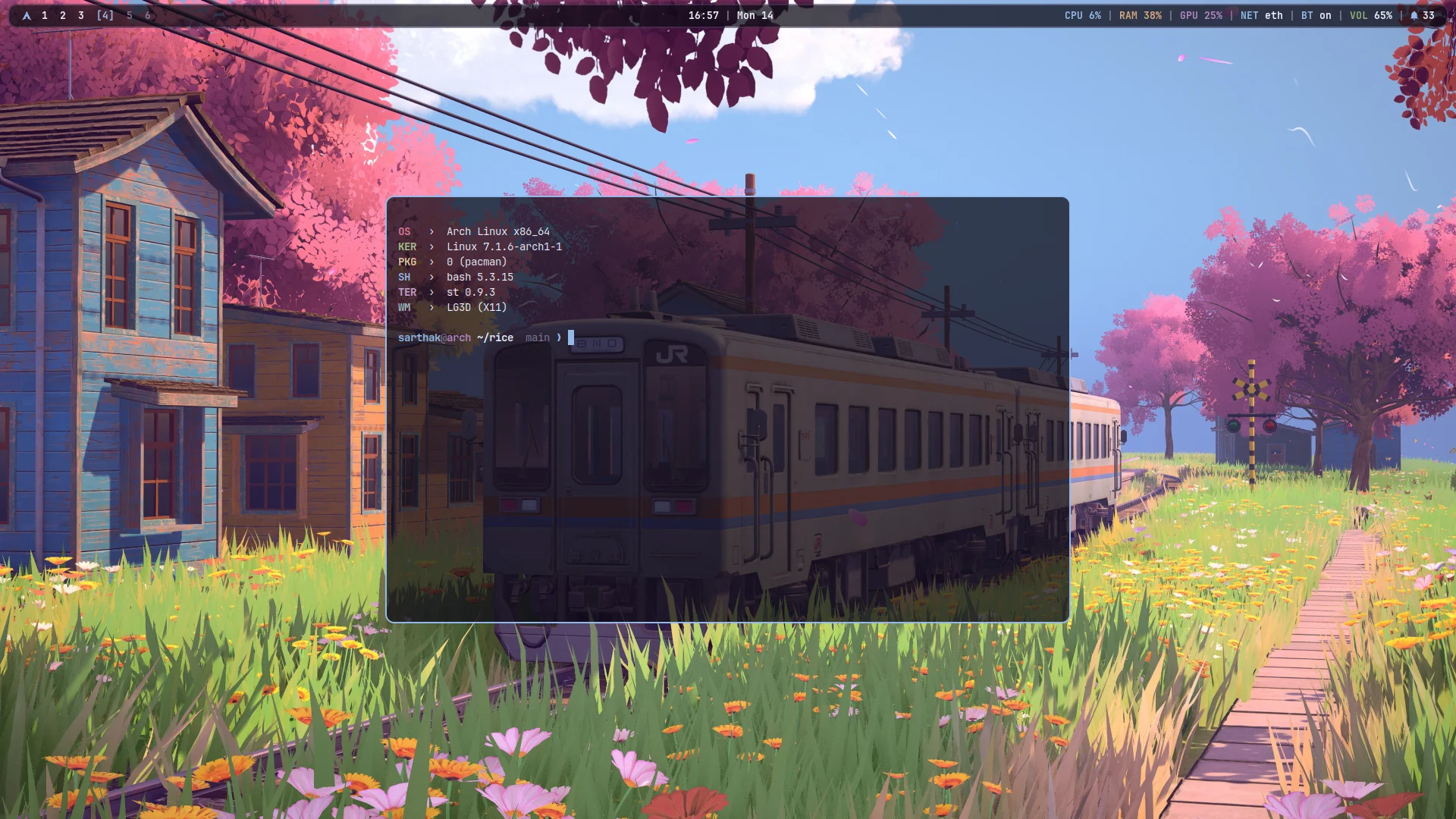 |
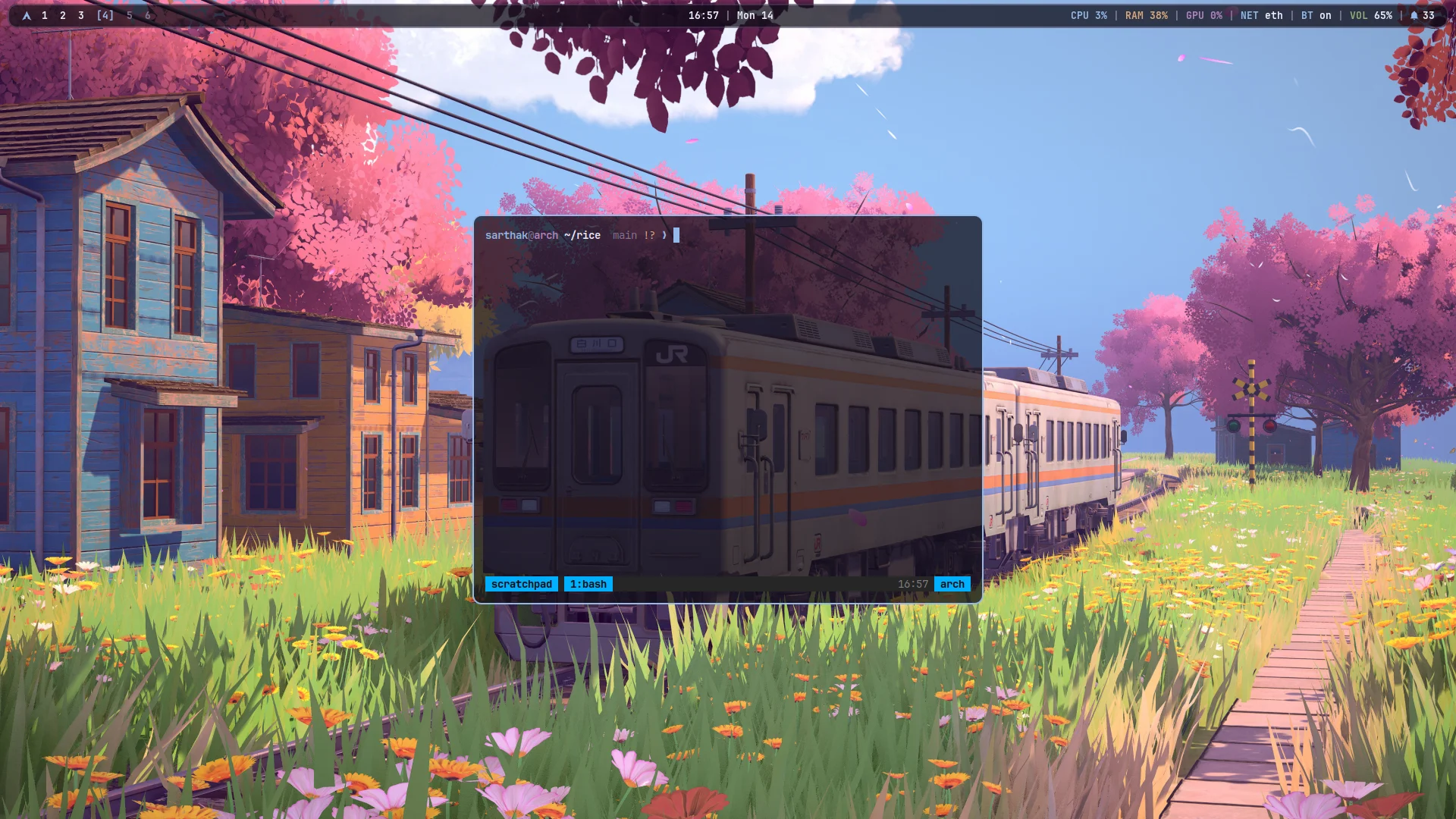 |
| st with sixel support, fastfetch and Starship prompt | Quick-access persistent drop-down terminal (`super + ``) |
Panels & Control Popups
| Control Centre | Audio Mixer |
|---|---|
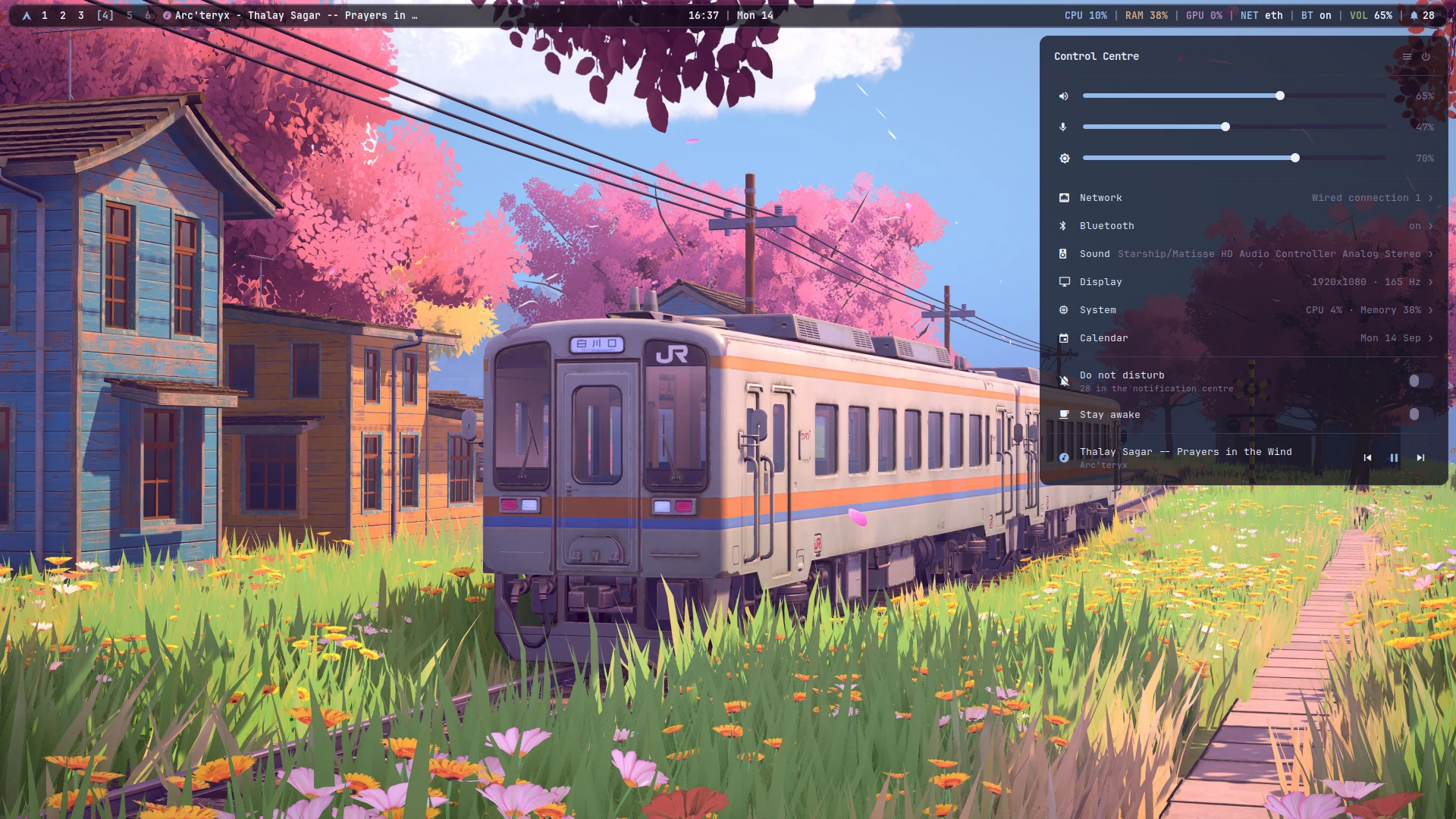 |
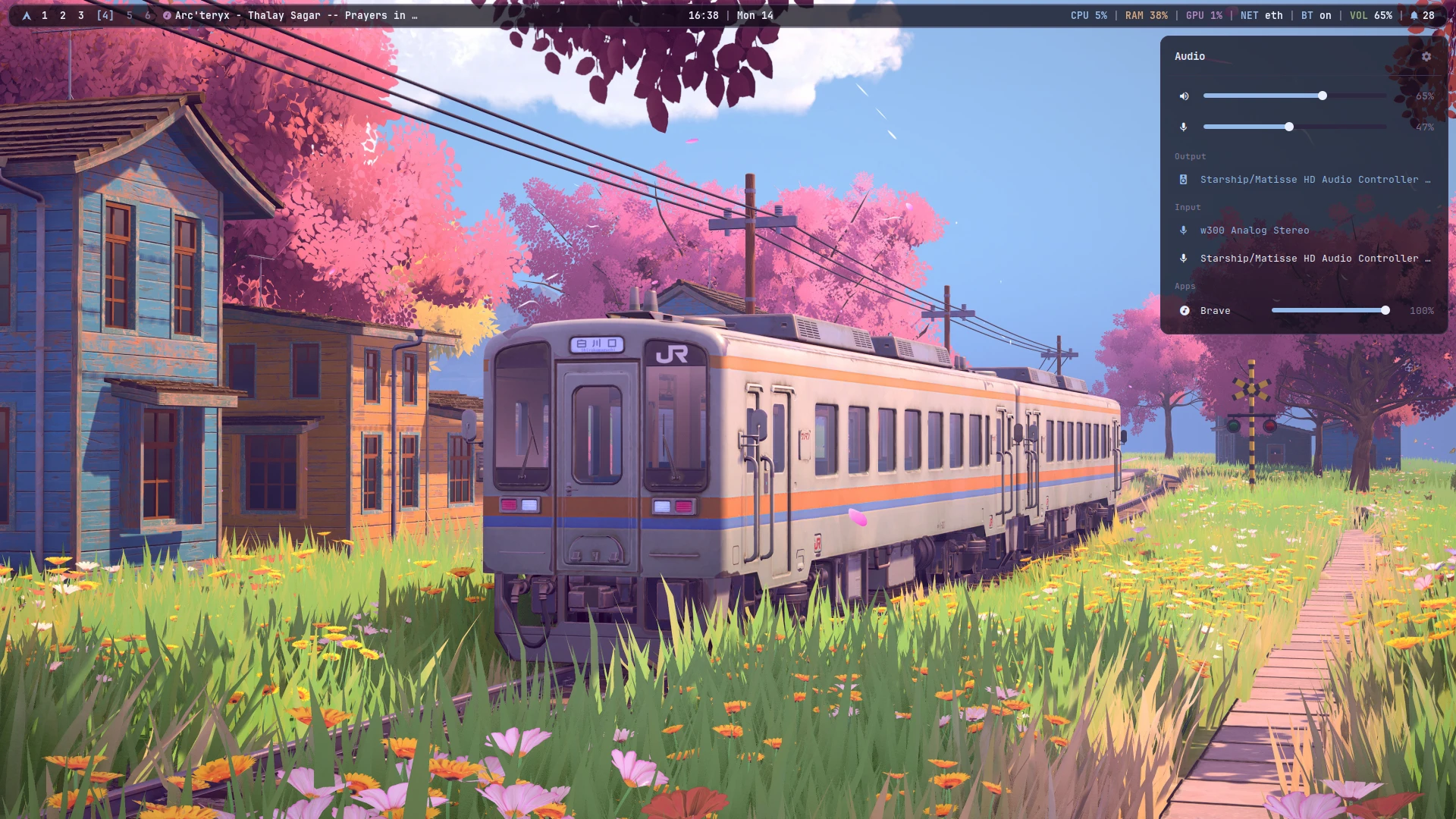 |
Sliders for volume, mic, brightness; quick toggles (super + a) |
Per-application mixer and sink selectors (super + ctrl + a) |
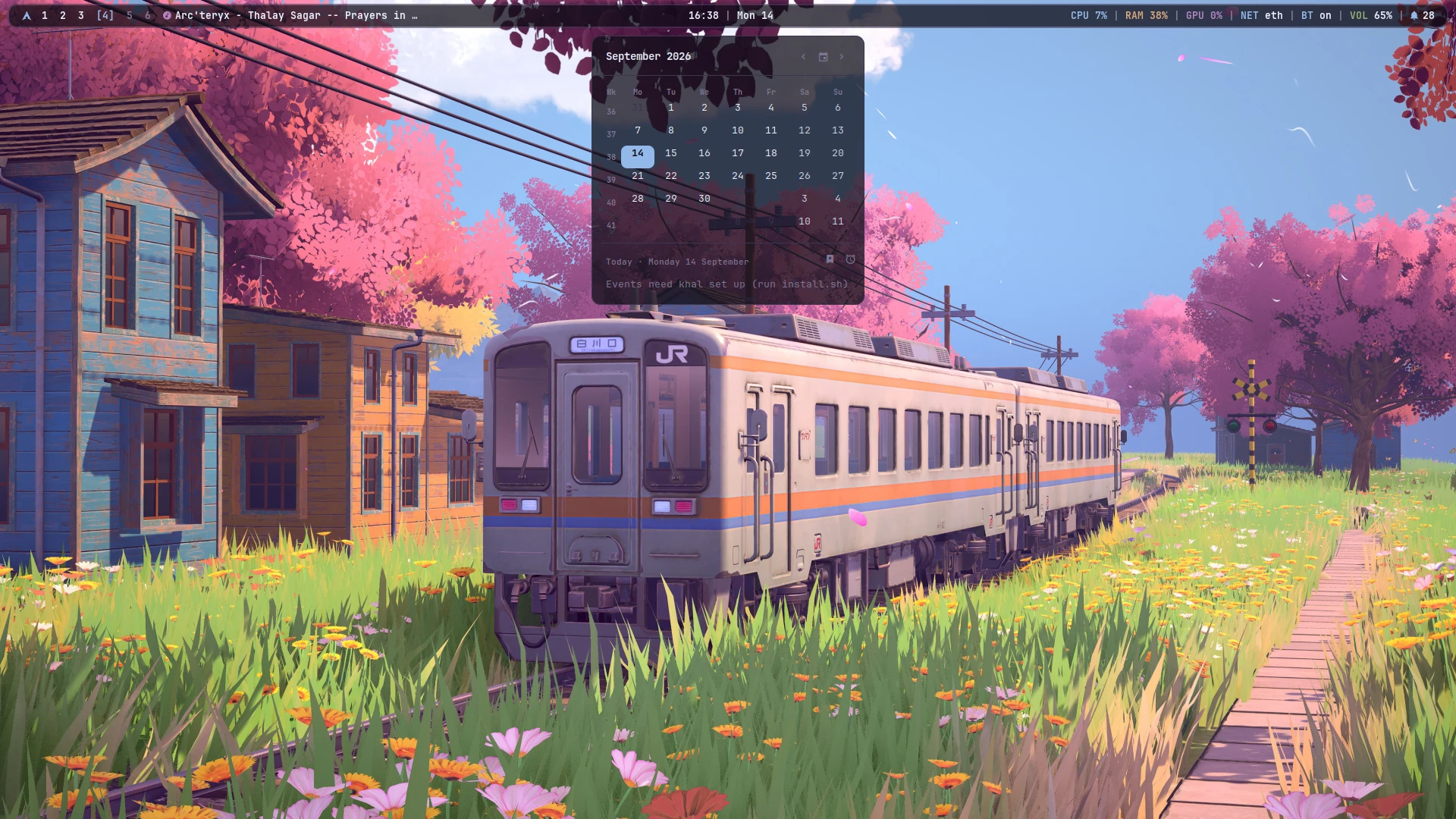
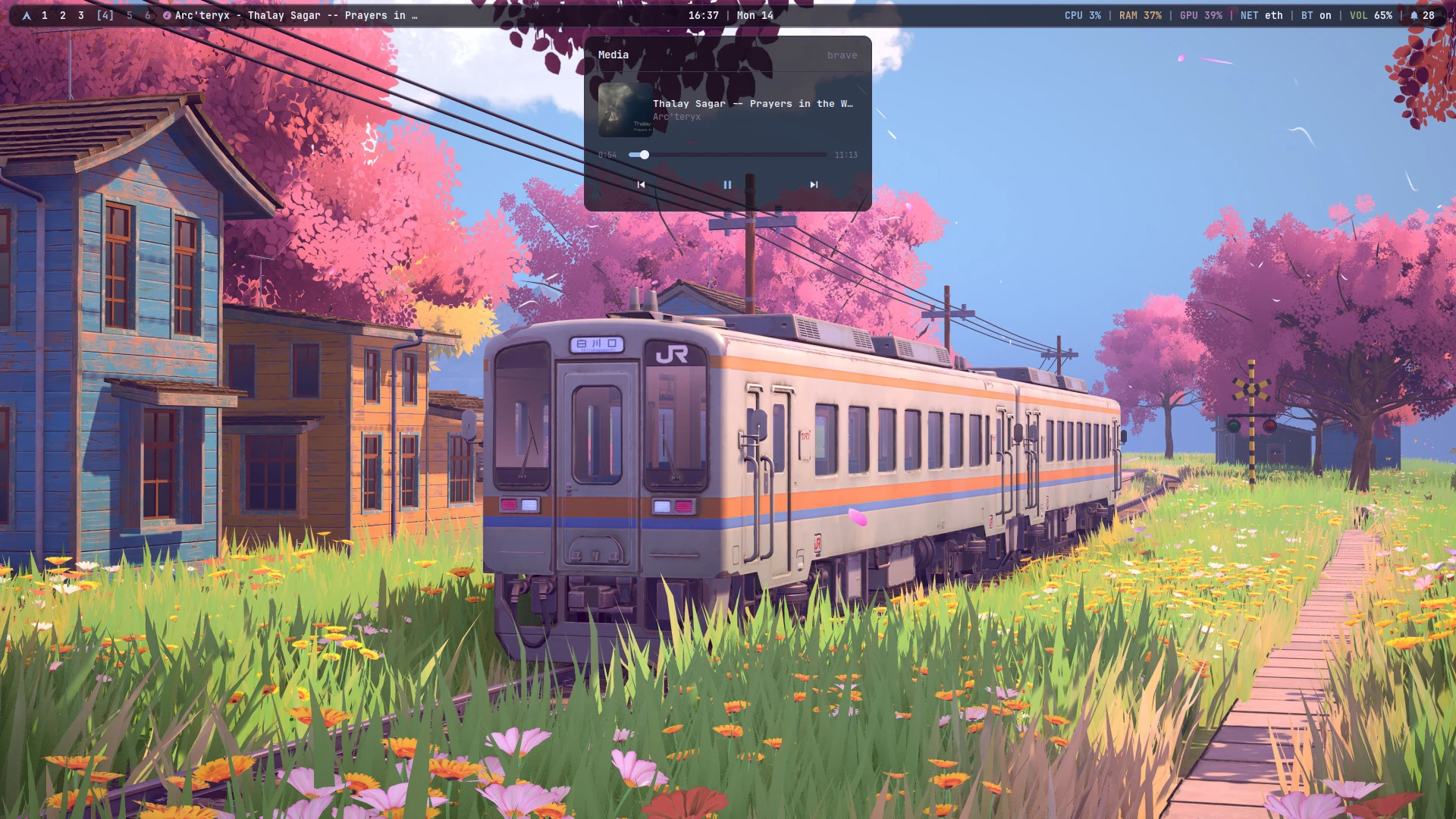
| Calendar & Events | Media Player |
|---|---|
 |
 |
CalDAV synchronized calendar & reminders (super + ctrl + c) |
Track metadata, cover art and media controls (super + ctrl + m) |
Menus & Launchers
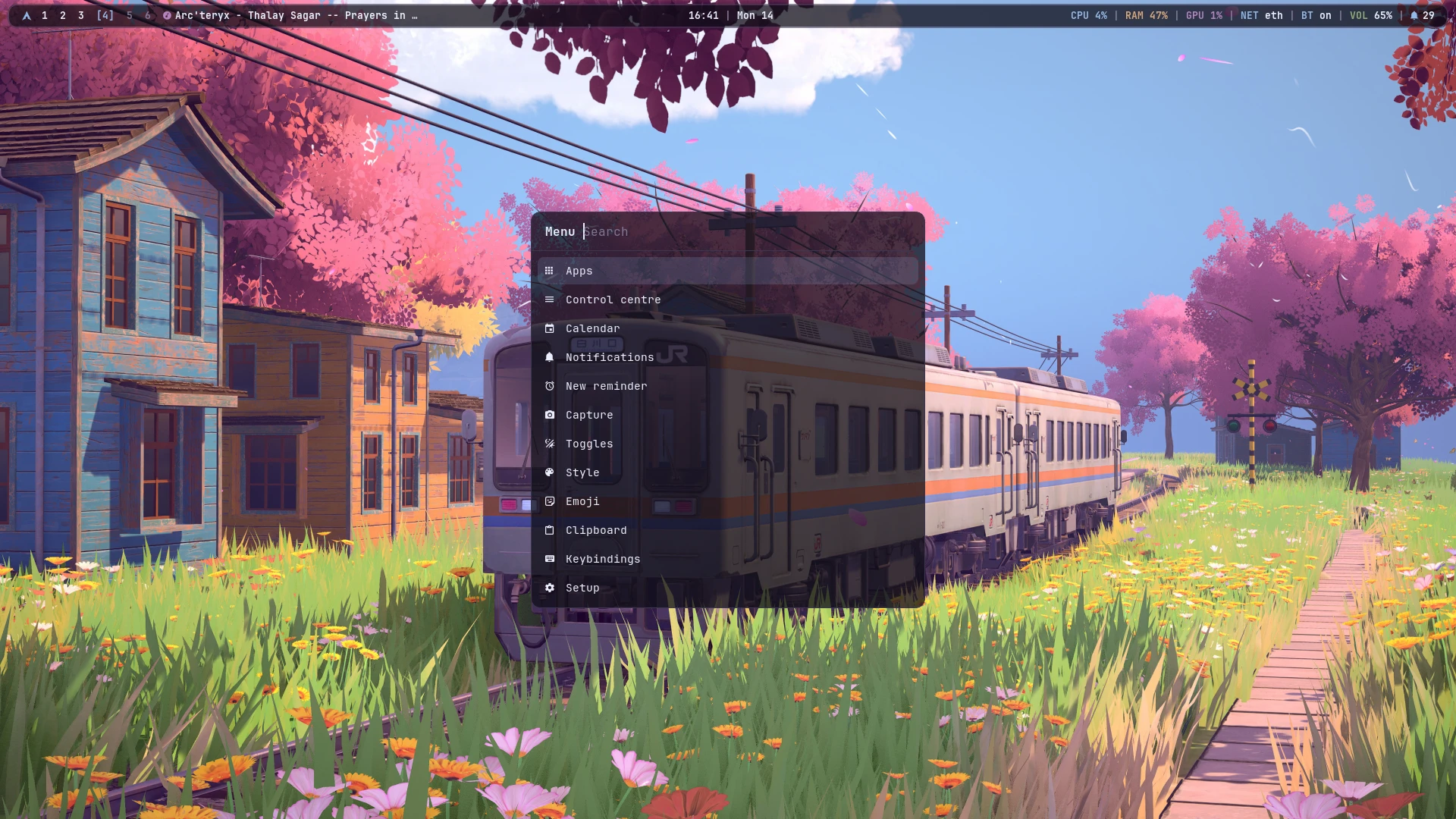
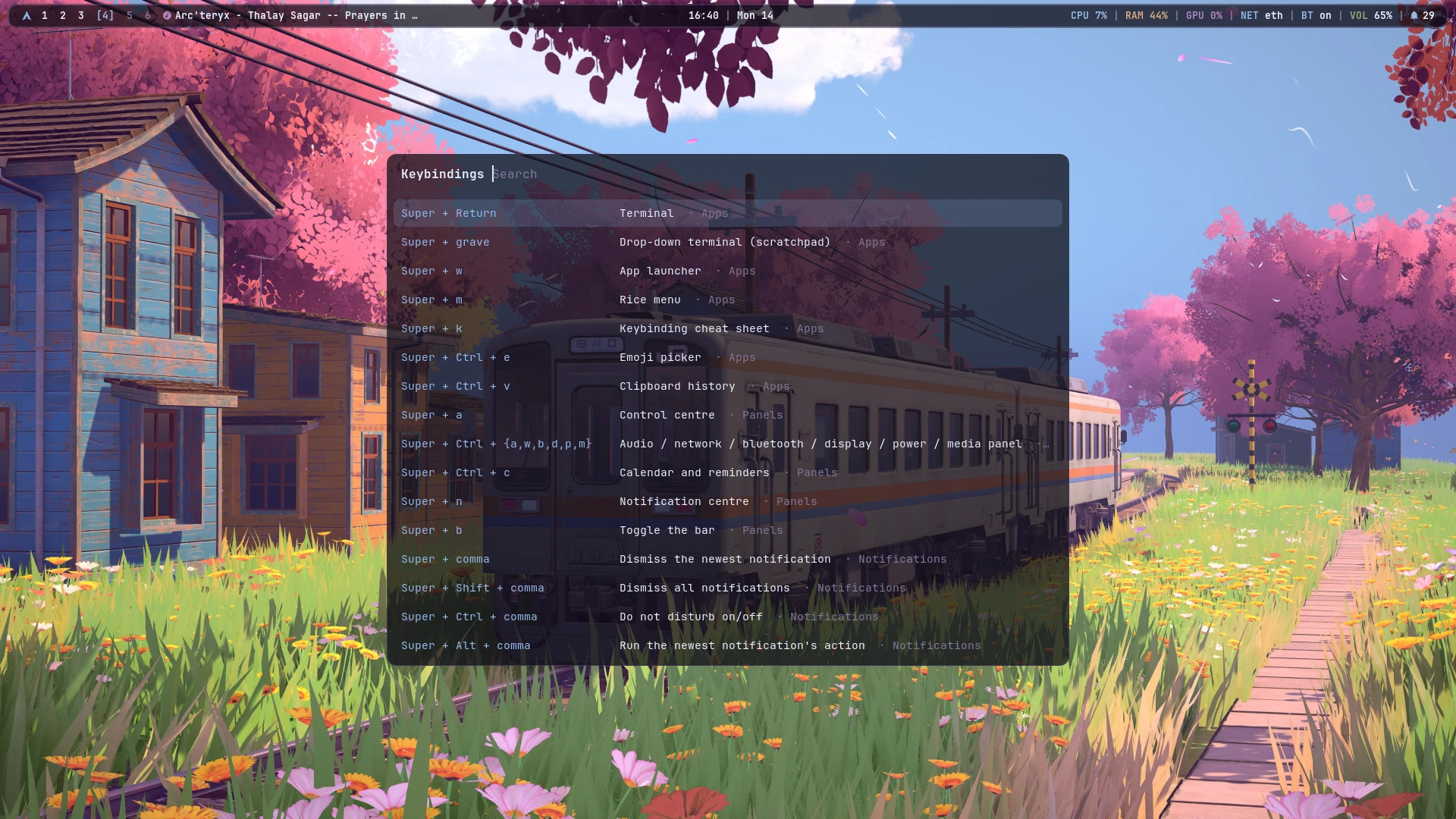
| Rofi Rice Menu | Keybindings Cheatsheet |
|---|---|
 |
 |
Unified system menu & launcher (super + m) |
Searchable hotkey cheatsheet (super + k) |
| Wallpaper Picker | Styled Notifications |
|---|---|
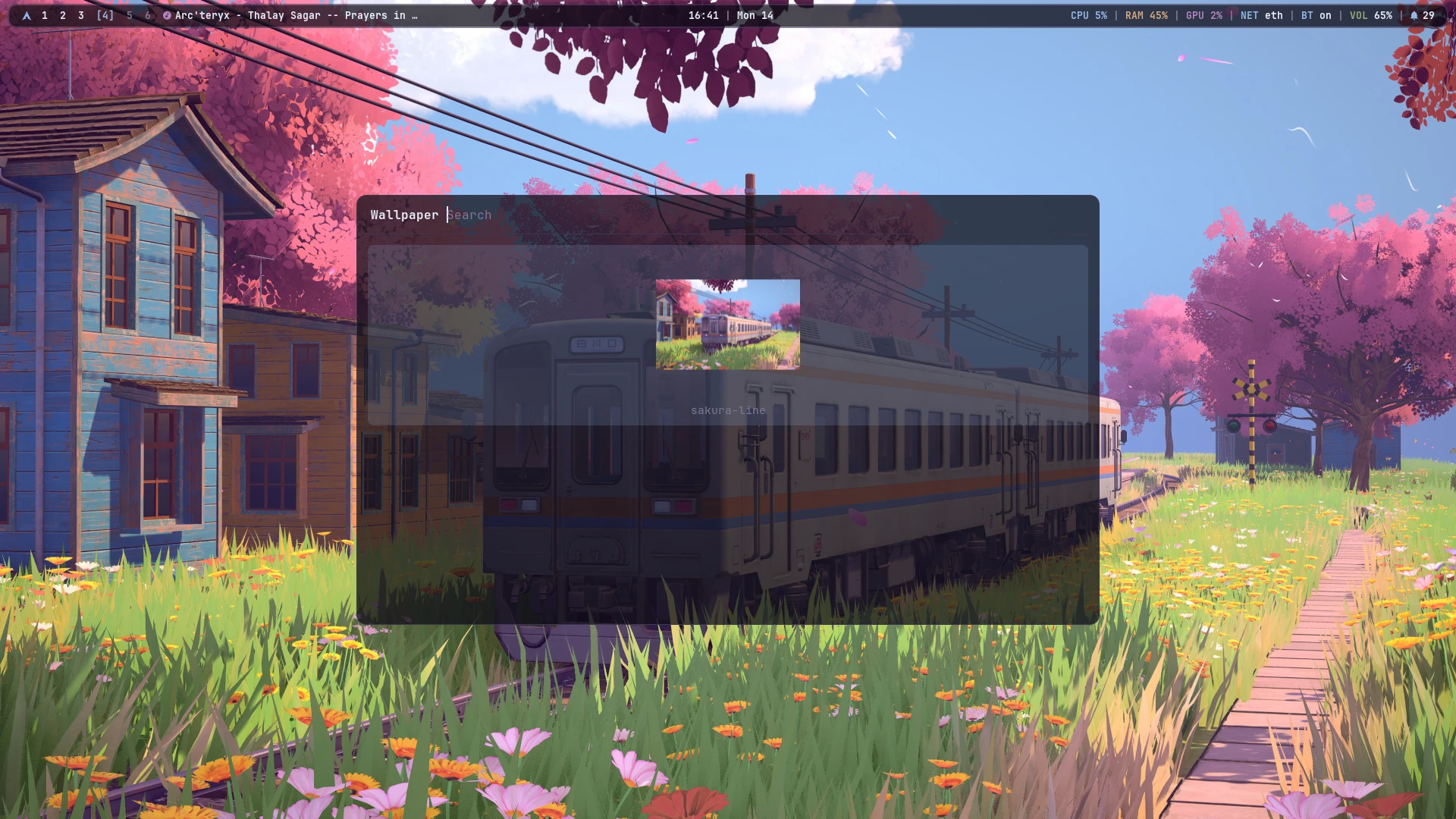 |
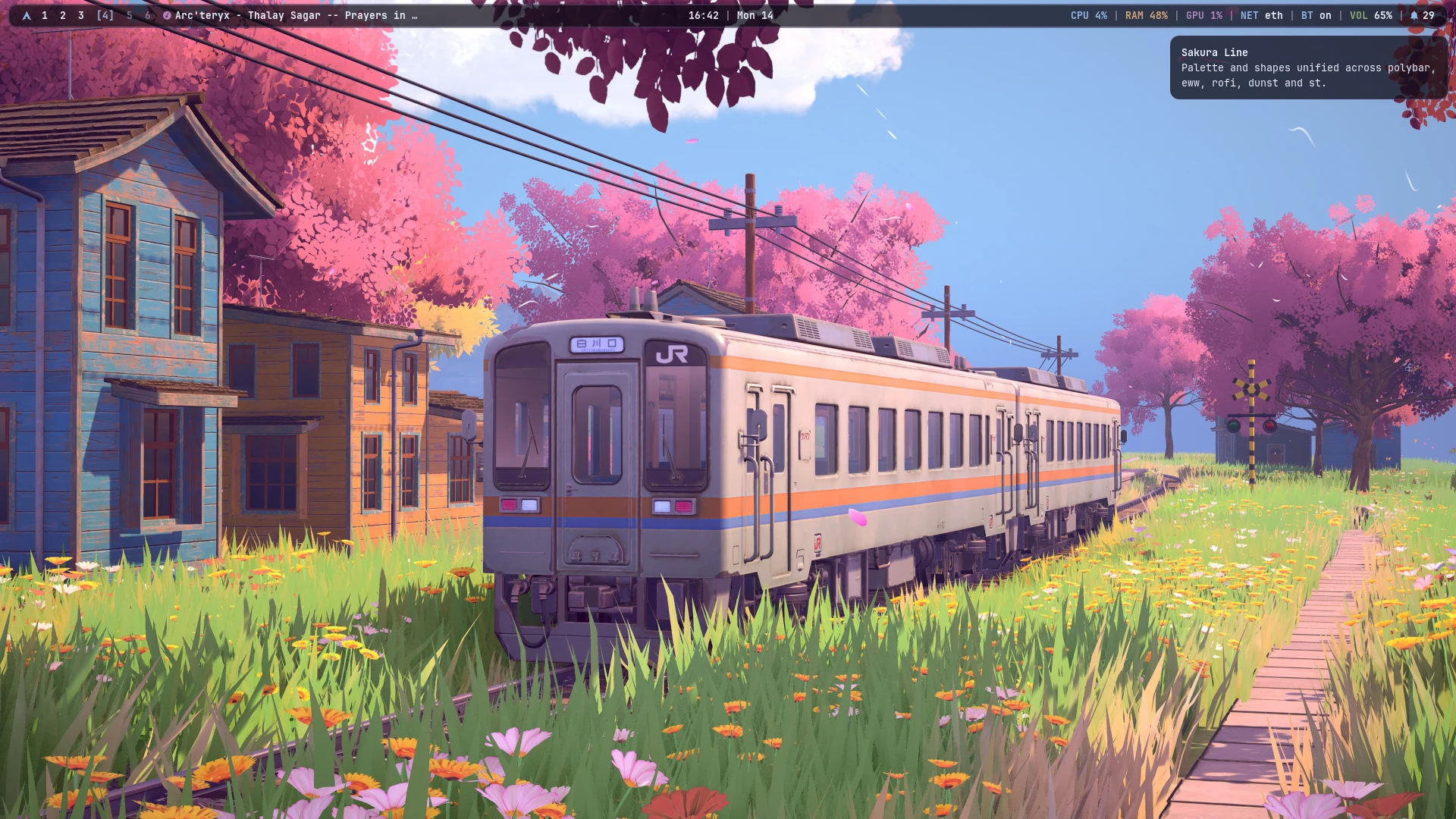 |
Visual thumbnail grid picker (super + ctrl + space) |
Dunst notification toasts rendered from the active palette |
Install
On a clean Arch install, as your normal user:
curl -fsSL https://rice.srtk.in/install.sh | bash
or from a clone:
git clone https://git.srtk.in/sarthak/dotfiles.git ~/rice
~/rice/install.sh              # full install, safe to re-run
~/rice/install.sh --dry-run    # print every step, change nothing
~/rice/install.sh --update     # pull, re-link, re-render, rebuild what changed
The installer installs the packages (bootstrapping paru for the AUR), symlinks
every file in home/ into $HOME and every script in bin/ into
~/.local/bin, renders the theme, builds st with sixel images, and offers
calendar sync and a stock Plymouth boot splash. Anything it replaces is moved
to ~/.rice-backup-<date>/. Log in on tty1 and the desktop starts.
What you get
| Window manager | bspwm + sxhkd |
| Bar | polybar, floating and rounded; every label opens its panel |
| Popups | eww: control centre, audio, network, bluetooth, display, power, media, calendar, notifications |
| Menus | rofi: launcher, rice menu, power, toggles, capture, theme and wallpaper pickers, emoji, clipboard, keybindings |
| Notifications | dunst, with a notification centre, per-notification dismiss and do-not-disturb |
| Compositor | picom 13, one motion language for windows and popups |
| Terminal | st (st-flexipatch with sixel, ligatures, scrollback) and kitty |
| Prompt | starship, one line: user@host dir branch ❯ |
| Idle | xscreensaver hacks after 5 minutes, xsecurelock after 10, skipped during fullscreen video |
| Calendar | khal + vdirsyncer against any CalDAV server; reminders as systemd timers |
| Capture | flameshot, gpu-screen-recorder, OCR, QR codes, colour picker, webcam overlay, transcode |
super + k lists every shortcut. The ones to learn first:
super + Return |
terminal |
super + w / super + m |
app launcher / rice menu |
super + a / super + n |
control centre / notification centre |
super + ctrl + a / w / b / d / p / m |
audio / network / bluetooth / display / power / media |
super + ctrl + c |
calendar |
super + ctrl + r |
new reminder ("20m tea", "15:30 standup") |
super + c / super + v |
copy / paste, terminals included |
super + ctrl + v / super + ctrl + e |
clipboard history / emoji |
Print or super + alt + p |
screenshot a region |
shift + Print or super + alt + shift + p |
screenshot the whole screen |
ctrl + Print or super + alt + t |
copy text from a region |
alt + Print or super + alt + v |
start or stop recording |
super + shift + Print or super + alt + c |
pick a colour |
super + Print or super + alt + s |
capture menu |
super + ` |
drop-down terminal |
super + shift + t / super + ctrl + space |
theme picker / wallpaper picker |
super + Escape / super + ctrl + l |
power menu / lock |
Theming
A theme is one file, themes/<name>/colors.toml (and optional custom assets like btop.theme). rice-theme set <name> renders every file in templates/ from it into ~/.local/state/rice/theme/ and reloads all running apps and wallpapers in lockstep.
The rice ships with 5 built-in themes sampled from distinct visual worlds:
sakura-line: Japanese spring anime aesthetic (pastel cherry blossom, blue sky, soft lilac)pirna: Classical 1750s European oil painting by Bernardo Bellotto (terracotta roofs, sandstone fortress, olive meadows, river cerulean)nordic-frost: Arctic snowy mountain cliff under the aurora borealis (polar midnight darks, amber lanterns, mint sky glow)monolith: Extraterrestrial sci-fi coast (crystalline cyan rock, bioluminescent lagoon water, celestial moonlit sky)dragon-fire: Dark fantasy epic siege (fiery dragonflame breath, blazing coral embers, smoky obsidian plum darks)
Managing Themes
- Visual Picker: Press
super + shift + tor runrice-theme selectfor the Rofi image grid. - Set via CLI:
rice-theme set <name> - List available:
rice-theme list - Re-render active:
rice-theme reload
Adding Your Own Themes
- Create a directory
themes/<name>/(in the repo or in~/.config/rice/themes/<name>/). - Put your wallpaper in
wallpapers/<image>(or reference an image path). - Create
colors.tomlfollowing the schema inthemes/sakura-line/colors.toml. - Run
rice-theme set <name>or open the visual picker (super + shift + t) - your theme will appear immediately with automatic cached thumbnails!
~/.config/rice/theme.override.tomlwins over every theme (rice-fontwrites the font there).- Your own templates go in
~/.config/rice/templates/*.tpland win over the built-in ones.
Placeholders are {{ key }}, {{ key_strip }} (no #) and {{ key_rgb }} (r,g,b).
Your own settings
These are never in the repo and never overwritten:
~/.bashrc.local |
personal aliases, exports, SDK paths |
~/.config/rice/local.sh |
autostarted apps, per-app desktops, monitor tweaks (sourced by bspwmrc) |
~/.config/rice/idle.conf |
SCREENSAVER= and LOCK= in seconds |
~/.config/rice/screensavers |
the xscreensaver hacks to rotate through |
~/.config/rice/hooks/<event>.d/ |
scripts run on post-boot, theme-set, font-set, wallpaper-set, lock, unlock, update |
~/.config/rice/secrets/ |
the CalDAV password (mode 600) |
Layout
install.sh        one-shot installer
packages/         pacman.txt and aur.txt
bin/              rice-* scripts: panels' data and actions, menus, capture, idle, theme
home/             files linked into $HOME
templates/        *.tpl rendered from a theme's colors.toml
themes/           one directory per theme
st/               st-flexipatch patch list, config changes and build script
particles/        the particle wallpaper layer
wallpapers/